You press the self-clean button, hoping for a spotless oven by dinnertime. Instead, your self-cleaning oven locks itself tight, the self-cleaning oven temp soars and suddenly you’re searching “why is my oven stuck on self-cleaning” while the kitchen fills with worry instead of that perfect roast aroma. This scenario happens in Atlanta kitchens every week — and while the anxiety feels real, actual self-clean disasters are rare. According to Consumer Reports, less than 1 percent of ovens break down after self-cleaning, while common issues like ignition problems or surface chips show up much more often.
But in that stressful moment, statistics don’t help. Whether you’re following Viking self-cleaning oven instructions for the first time or trying to remember an old Whirlpool self cleaning oven troubleshooting trick, you need clear answers — not more questions. Even understanding the difference between an oven, a stove and a range can matter when you’re desperate to get the door open or the heat under control. For a quick refresher, our guide on oven, stove, and range covers the basics before you dive into fixes.
Below, we break down how self-cleaning really works, what most often goes wrong and step-by-step solutions for Atlanta homeowners who want their ovens working — not just “locked and loaded.”
What is a self-cleaning oven and how does it work?
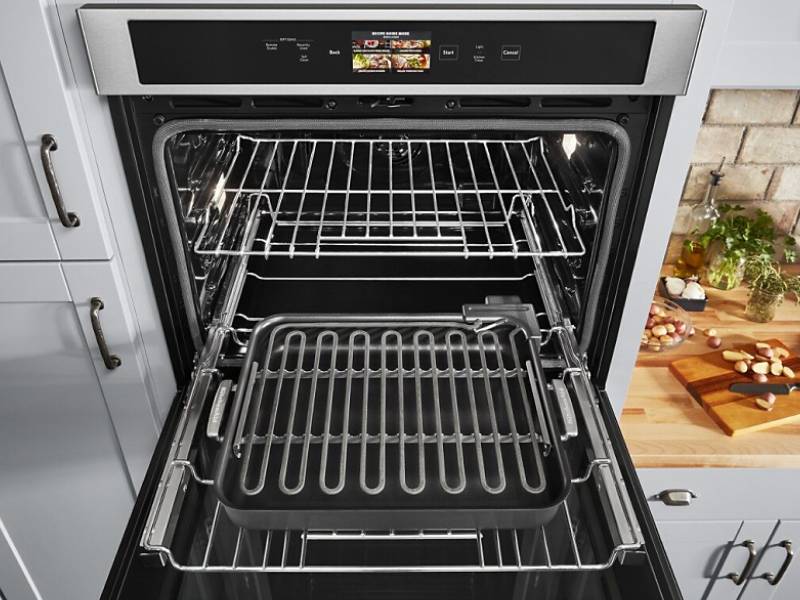
A self-cleaning oven is designed to save you from hours of scrubbing by using extremely high heat — usually over 800 °F — to incinerate food residue and grease. When you start the self-cleaning oven cycle, the door locks automatically for safety. The self cleaning oven temp stays high long enough to turn spills and crumbs into a fine ash, which you can simply wipe away after the oven cools down.
Most modern ovens, whether basic or high-end, now include some type of self-clean feature. The technology relies on sensors and electronic controls to maintain the right temperature and timing. If your oven gets stuck mid-cycle or won’t unlock, you might need professional oven repair services in Atlanta to check the latch and electronics.
Some brands recommend removing racks or following specific steps before starting self-cleaning. Always check your manual or brand resources — especially for models like Viking, Whirlpool, or KitchenAid — for details on safe operation and troubleshooting.
Common problems with self-cleaning ovens
Even the best self-cleaning ovens can throw you a curveball at the worst possible moment. Most issues start out small but quickly turn stressful if you’re not sure what’s happening behind that locked door or flashing display. Here’s what Atlanta homeowners face most often — and how to fix each scenario before it ruins dinner plans.
Oven won’t start the self-cleaning cycle
It’s frustrating to follow your Viking self-cleaning oven instructions only to see nothing happen. Often, the cycle won’t start if the oven door isn’t fully closed or if the control panel detects any errors. Double-check the clock and make sure all settings are cleared before trying again. If the oven still refuses to start — especially on older or high-end models — it may be time for professional Viking appliance repair. Sometimes, the issue is a simple door latch sensor, but control board faults are also common.
The oven door is locked and won’t open after cleaning
Nothing makes homeowners search how long does it take for an oven to unlock after self-cleaning faster than a stubbornly locked door. Most models keep the latch closed until the oven cools down to a safe temperature. If it stays locked far longer than expected, it could be a failed latch motor or a software glitch. Many Whirlpool self-cleaning oven troubleshooting guides recommend shutting off power at the breaker for a minute, then restoring it to reset the controls. If the problem doesn’t resolve, it’s wise to book Whirlpool repair in Atlanta — forcing the door can damage the frame or hinges.
Strange smells or smoke during self-cleaning
A bit of odor is normal, but heavy smoke or strange smells are not. Excess grease, stuck-on spills or forgotten oven liners can start to burn, leading to panic and searches for Jenn-Air self-cleaning oven troubleshooting tips. If smoke fills your kitchen, cancel the cycle, ventilate well and allow the oven to cool fully before inspecting inside. For recurring issues, schedule Jenn-Air service in Atlanta to check for buildup in hidden areas or failing door seals.
Oven shuts off mid-cycle
If your oven shuts off partway through the self-cleaning cycle, overheating is usually the reason — the self-cleaning oven temperature can reach 880–900 °F. When the heat climbs too high, a safety thermostat will trip or the electronics may stop responding. KitchenAid, Whirlpool and Kenmore self-cleaning oven problems often trace back to sensor failures or control boards. Try resetting power at the breaker, but if the oven stops again, don’t risk a bigger fault. It’s safer to reach out for KitchenAid oven repair or a checkup for any major brand.
Error codes on self-cleaning ovens
When your self-cleaning oven runs into trouble, error codes on the display become your first clue. Every brand speaks its own digital language, but certain patterns repeat. KitchenAid self-cleaning oven problems often show up as F9E0 (door latch won’t engage) or F1E1 (control board overheating). Whirlpool and Kenmore users might see F2 or F5, usually meaning a failed temperature sensor or a stuck lock after cleaning.
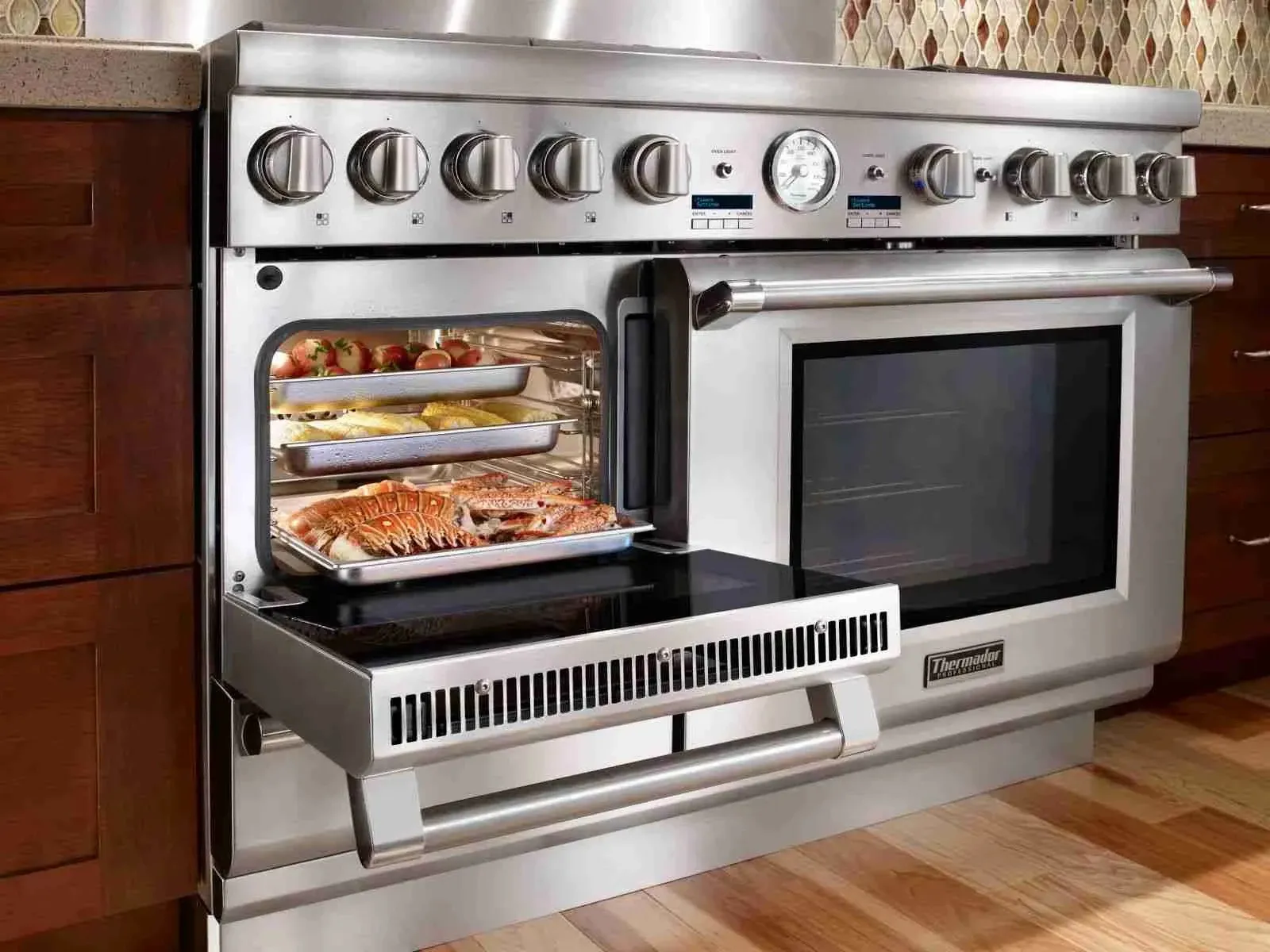
A common Thermador self-cleaning oven problem involves codes like E115 or E118 during self-cleaning, usually pointing to a temperature sensor fault or a relay issue. If your screen shows unfamiliar numbers or letters, don’t guess: look up the code for your specific model, since even ovens from the same brand may use different signals. When in doubt, our Thermador appliance repair team can quickly pinpoint what’s wrong before it gets worse.
Always write down the exact code before resetting power or calling for help. Tracking the right error for your model helps avoid confusion, speeds up repair, and prevents small issues from becoming bigger headaches.
How to reset a self-cleaning oven safely
A quick reset can resolve many self-cleaning oven problems — from a door that won’t unlock to a panel that’s frozen after a high-heat cycle. The safest way to reset is by switching off power at the circuit breaker for at least one full minute. This lets the control board discharge and can clear common errors caused by extreme self-cleaning oven temperatures (often reaching 880–900 °F).
Once you restore power, wait for the oven to cool below 200 °F before trying to open the door. For models like Whirlpool, GE, or KitchenAid, always check your manual or reliable Whirlpool self-cleaning oven troubleshooting instructions to avoid damaging the latch or electronics. If the control panel still won’t respond or if the oven stays locked, don’t force it open — calling a technician is far safer than breaking a hinge or burning out a board.
When DIY troubleshooting is enough – and when to call a technician
Simple self-cleaning oven issues — such as resetting the clock, checking door alignment, or clearing a single error code—can usually be fixed at home. If your oven works normally after a reset and no warning lights remain, DIY is often enough.
But if your oven shuts off mid-cycle, keeps flashing error codes, or you’re dealing with repeated KitchenAid self-cleaning oven problems, it’s time to call a specialist. Trying to force a locked door or bypass a tripped thermostat risks far more damage than a quick repair visit.
For Atlanta restaurants and commercial kitchens, even minor faults can mean real downtime and lost business. Our commercial oven and range repair experts handle high-volume self-cleaning ovens, deck ovens and specialty equipment quickly and professionally.
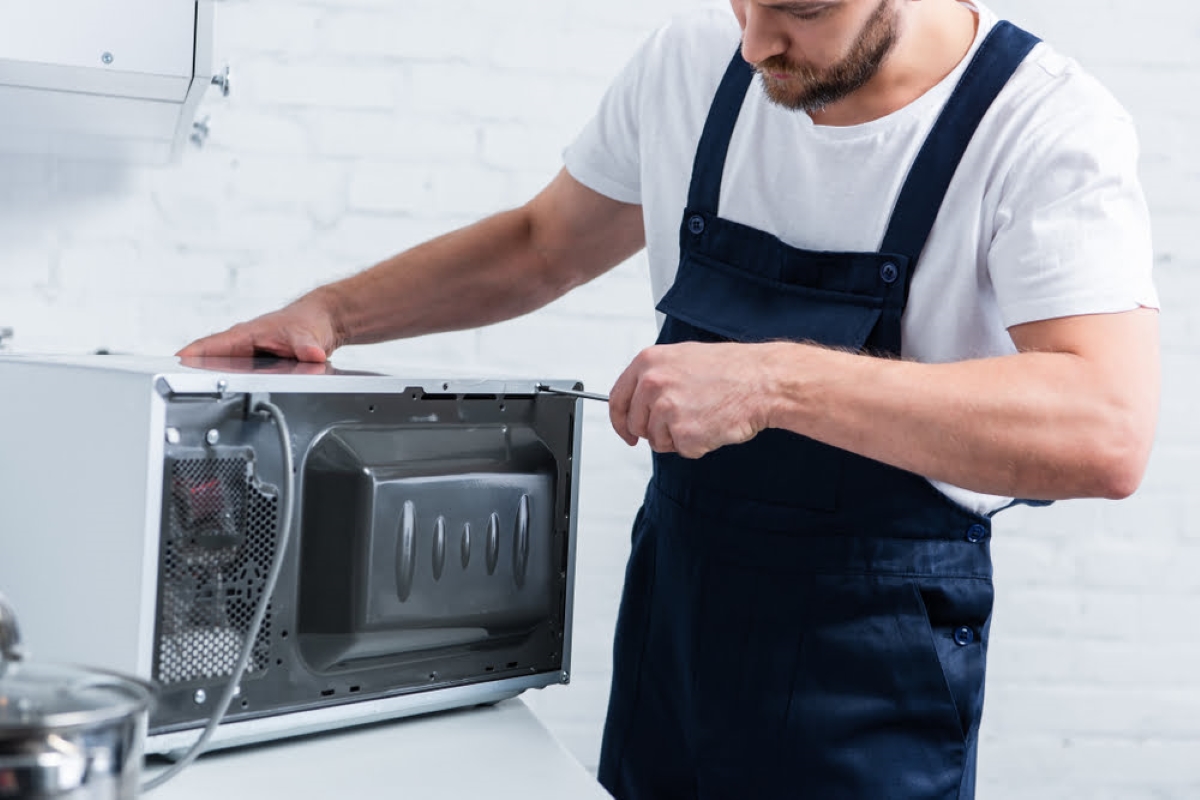
Never take apart panels or wiring yourself—modern safety systems are complex, and the right service now keeps your kitchen running safely for years.
Call Appliance Care of Atlanta for emergency self-cleaning oven repair
Sometimes, even the best DIY troubleshooting isn’t enough — especially when a GE self-cleaning oven won’t unlock or the panel won’t respond after the cycle. If your oven is stuck in self-clean mode, keeps shutting off mid-cycle or shows persistent faults, it’s time for professional help. At Appliance Care of Atlanta, we handle emergency repairs for all brands, from Thermador oven diagnostics to complex electronic issues with GE self-cleaning ovens.
Our technicians arrive with genuine parts for Whirlpool, KitchenAid, Kenmore, Viking and more, resolving issues from failed temperature sensors to door latch malfunctions. We know how urgent it is to restore your oven quickly — so you can get back to cooking, not worrying about error codes or stuck doors.
Conclusion
Using a self-cleaning oven should be convenient, not complicated. By understanding how the self-clean cycle works, what to do after self-cleaning and how to recognize early warning signs — like strange smells, error codes or a door that won’t unlock — you can avoid most problems before they get serious.
Troubleshooting small issues at home is possible for many common faults, but for anything beyond a quick reset, it’s safer to call in expert help. Whether you’re dealing with a stubborn KitchenAid self-cleaning oven problem or a GE model that refuses to unlock, timely service keeps your appliance running smoothly and your kitchen stress-free. A little knowledge and the right support go a long way toward a spotless oven and peace of mind.
-
James is a seasoned appliance specialist with over 10 years of experience at company. He is a certified expert in Sub-Zero, Viking, and other high-end appliance brands, demonstrating advanced technical knowledge and hands-on proficiency in servicing premium equipment. Known for his reliability and results-driven approach, James consistently delivers efficient, high-quality solutions, earning the trust of clients who expect excellence in both performance and service.
04 Aug 2025
Appliance maintenance tips
#Oven